DecayDock: Your Fridge’s AI-Powered Spoilage Tracker
Ever bought a bag of spinach or a carton of milk only to find it spoiled days later? It’s a frustrating, costly problem that inspired maker [ptallthings93] to create DecayDock—a clever gadget that lives on your fridge and uses artificial intelligence to monitor your inventory. By combining a camera, an Edge AI model, and a simple color-coded display, DecayDock helps you prioritize what to eat before it goes bad. Below, we break down how it works, its limitations, and why it might be the fridge upgrade you actually need.
What exactly is DecayDock and how does it work?
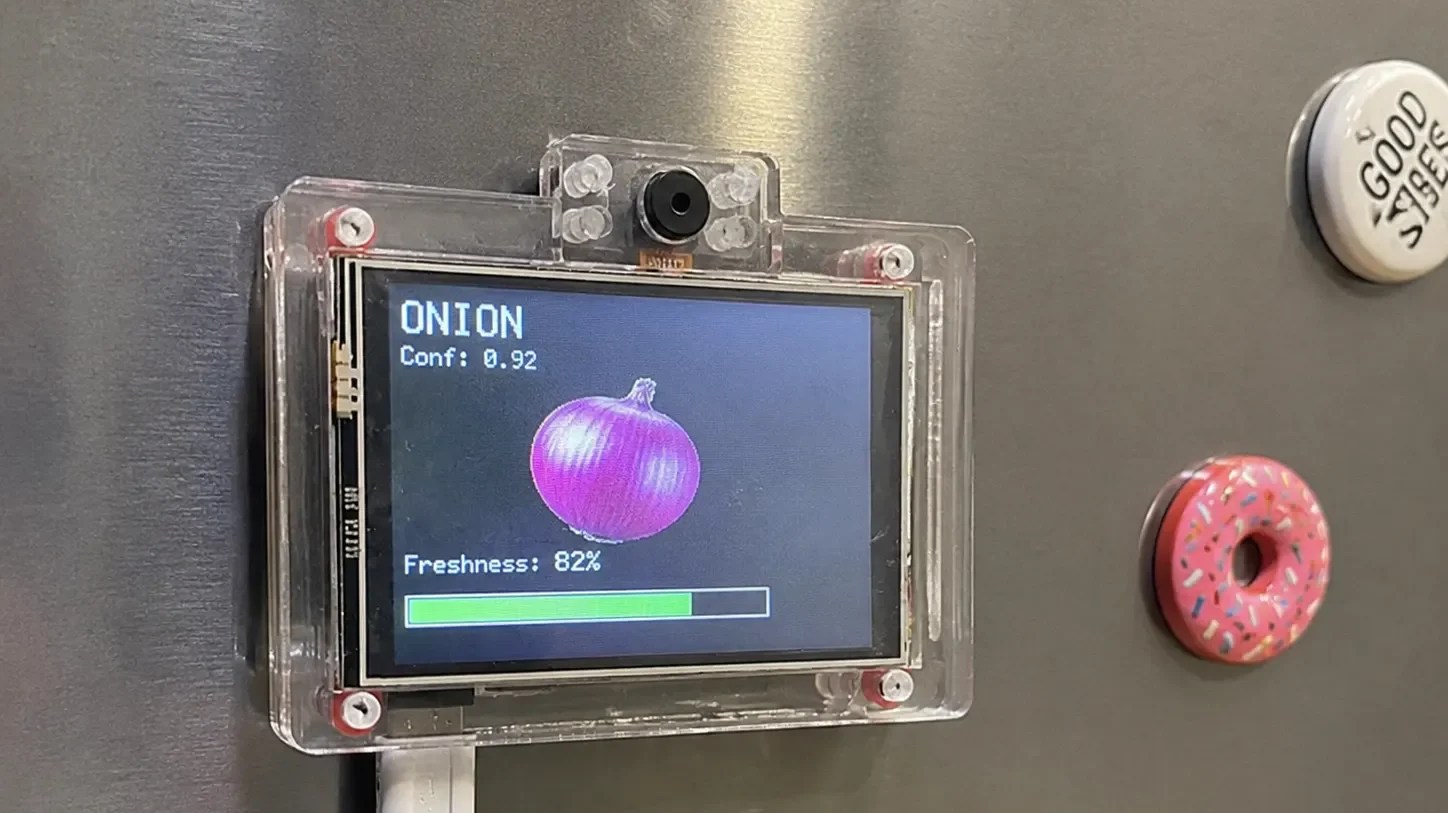
DecayDock is a small, fridge-mounted device that automates food tracking. It uses an ESP32-CAM module—a microcontroller paired with a camera—to capture images of food items you hold in front of it. An Edge AI model then identifies common groceries (e.g., apples, cheese, milk) and adds them to an internal inventory. For each item, it calculates an estimated shelf life and updates the display accordingly. The whole process takes just seconds and requires no smartphone app or cloud connection, making it a self-contained, privacy-friendly solution.
What problem does DecayDock solve?
The core issue is food waste. Many of us buy fresh produce, dairy, or meats only to forget about them until they spoil. DecayDock addresses this by providing a real-time overview of what’s inside your fridge, along with an estimate of each item’s freshness. It uses a simple green/yellow/red color-coding system on an attached LCD screen, so you can see at a glance which items need to be eaten soon. This acts as a visual reminder, helping you plan meals and reduce unnecessary waste—saving both money and resources.
How does DecayDock detect and track food items?
Detection relies on the ESP32-CAM’s camera and a lightweight Edge AI model. When you hold an item in front of the camera, the AI classifies it (e.g., “banana” or “yogurt”). That item is then logged into the inventory with a timestamp. DecayDock doesn’t have a barcode scanner or weight sensor; it depends on the AI’s ability to recognize typical appearances. Tracking is purely based on expected shelf lives: for example, leafy greens might be set to degrade in 3–5 days, while unopened yogurt might last weeks. The system updates the freshness status daily, gradually moving from green to yellow to red.
What are the limitations of DecayDock?
First and foremost, DecayDock cannot actually detect spoilage. It doesn’t have sensors for mold, smell, or temperature irregularities. Instead, it makes educated guesses based on average shelf lives. So if your cheese develops mold earlier than expected, the display might still show it as green. The system also relies on the user to hold items in front of the camera—it won’t automatically scan the fridge interior. Finally, the AI model is currently trained on common food items, so unusual or packaged goods may not be recognized. The maker notes it’s a helpful aid, not a perfect solution.
How does DecayDock display freshness information?
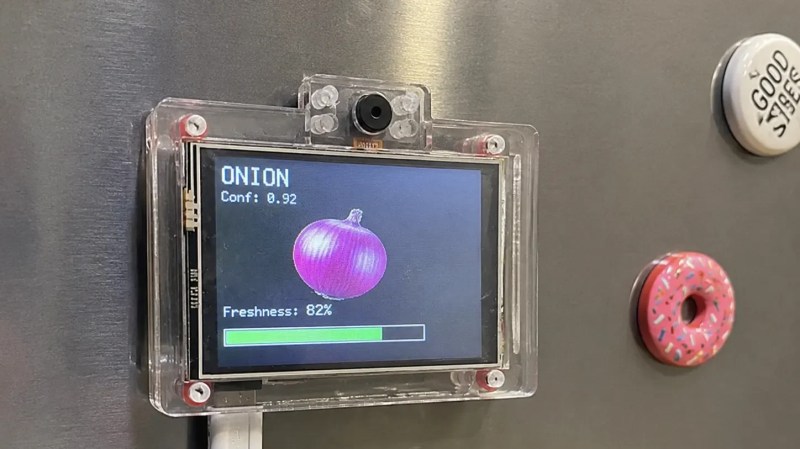
Information is shown on a small LCD screen attached to the fridge door. Each tracked item appears in a list with a colored dot: green for fresh, yellow for still okay but nearing expiration, and red for likely spoiled. There’s no app or remote access—you check the screen directly. This simplicity is deliberate: it avoids the complexity of smart fridges that often require staring at a screen for too long. The display updates automatically as days pass, and you can remove an item when you’ve used it. It’s a low-interaction, glance-and-go system.
Why hasn’t the smart fridge taken off, and where does DecayDock fit in?
Smart fridges with built-in cameras and inventory management have been a futurist dream for years, yet they never became mainstream. One reason is that people don’t want to stand around fiddling with a bulky touchscreen on their refrigerator. DecayDock offers a minimalist alternative: it adds just a small, non-intrusive screen and a camera that you only interact with when adding new items. It doesn’t try to “smartify” every aspect of the fridge, focusing instead on one practical task—tracking spoilage. As the creator suggests, some parts of the home are better left simple, and DecayDock embodies that philosophy.