Mastering Network Incident Response: Eliminating Hidden Bottlenecks with Automation and AI
Overview
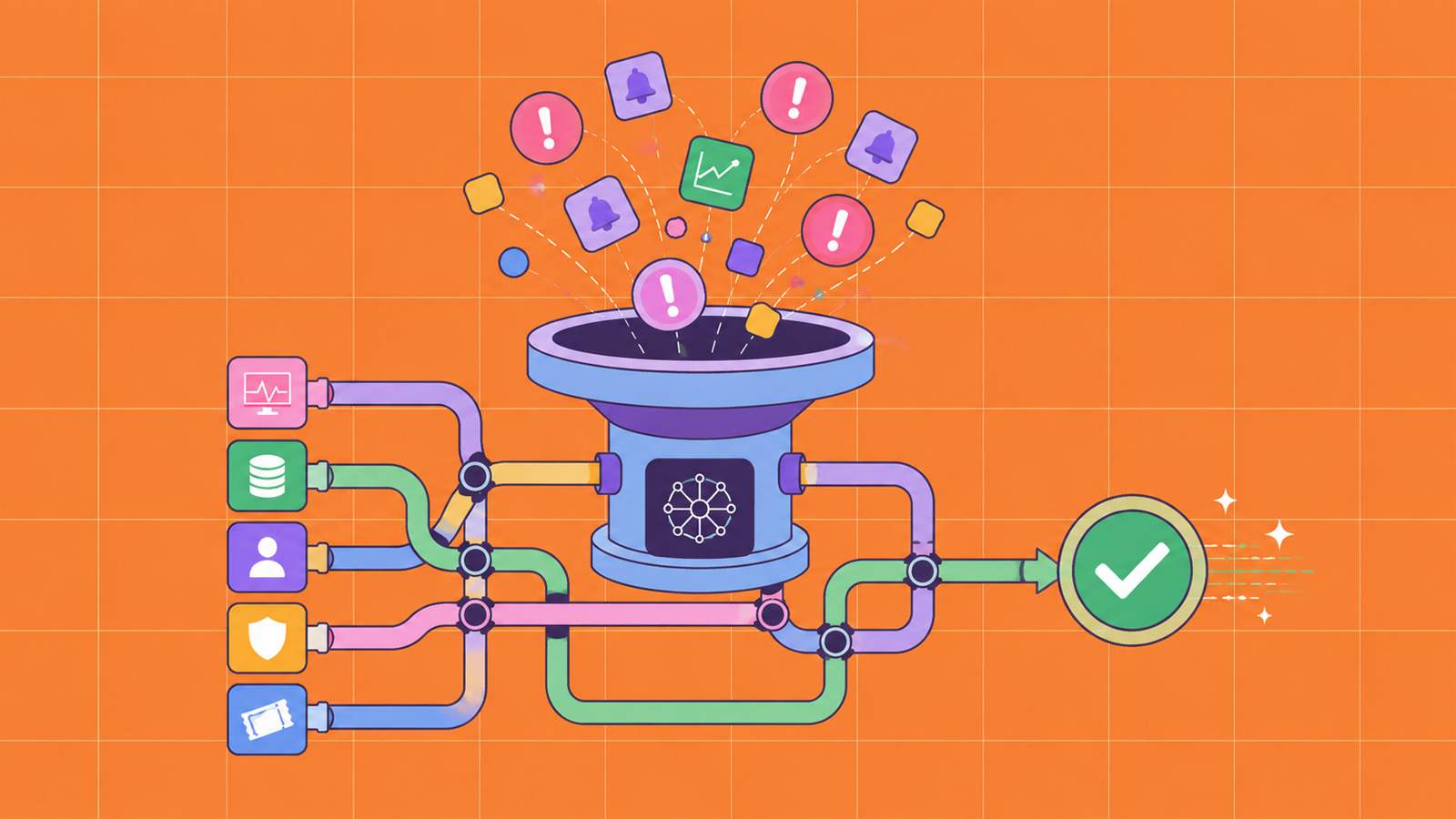
Network incident response has become a high-stakes race against time. IT teams are drowning in alerts from disconnected systems, forcing responders to manually stitch together investigations across siloed tools. This fragmented approach leads to critical delays—each minute lost can mean greater damage, higher costs, and potential compliance violations. In this guide, we'll uncover the hidden bottlenecks that slow down incident response and show you how automation and AI-assisted workflows can transform your operations. You'll learn a step-by-step method to eliminate manual coordination, reduce response times, and improve team efficiency—without requiring a complete tool overhaul.
Prerequisites
Before diving into the steps, ensure your team has the following foundational elements in place:
- Inventory of current tools: List all monitoring, logging, and SIEM systems in use (e.g., Splunk, Elastic, ServiceNow, Slack, PagerDuty).
- Clear incident response plan: Documented procedures for detection, escalation, and remediation, even if not yet optimized.
- Basic automation capabilities: Familiarity with workflow automation tools (e.g., Ansible, Tines, or SOAR platforms) or willingness to adopt them.
- Team that embraces change: Incident responders who are open to shifting from manual processes to assisted workflows.
- Data access: Permission to review past incidents (anonymized if needed) for bottleneck analysis.
Step-by-Step Instructions
1. Assess Your Current Incident Response Workflow
Start by mapping your existing response process from alert triage to resolution. Use a flowchart or timeline of a recent major incident. For each phase, note:
- How long did each step take?
- Who performed the coordination?
- Which handoffs were manual (e.g., copying error logs into chat, calling teammate)?
- Where did the process stall?
Example: A typical incident might involve an alert from SIEM -> responder copies relevant logs into a shared doc -> messages team on Slack -> waits for confirmation -> runs a script manually. Each manual transfer adds 3-5 minutes. Over ten alerts per day, that's hours lost.
2. Identify Common Hidden Bottlenecks
Based on your assessment, look for these typical bottlenecks:
- Alert fatigue: Too many false positives bury real incidents.
- Siloed tools: Each system has its own UI; no automatic correlation.
- Manual data gathering: Responders copy-paste between dashboards.
- Slow escalation: Finding the right expert takes time.
- Post-incident delays: Lack of automated reporting.
Document each bottleneck with a specific example from your workflow. This becomes your elimination target list.
3. Implement Centralized Alerting and Correlation
To solve data silos and alert fatigue, deploy a tool (SOAR or SIEM enhancement) that ingests alerts from all sources and applies correlation rules. For example:
# Python-like pseudocode for correlation
if alert_source_A & alert_source_B within 5 minutes:
    create_incident with priority = high
    suppress individual alerts
    notify on-call engineer with context
Configure the system to deduplicate alerts, tag them by category, and automatically enrich them with threat intelligence (e.g., IP reputations, known malware hashes). This reduces the noise and provides a single pane of glass.
4. Automate Repetitive Investigative Tasks
Identify tasks that responders repeatedly perform manually, such as:
- Checking if a file hash is malicious (e.g., VirusTotal query).
- Looking up user details in Active Directory.
- Pulling firewall logs for a particular IP.
Create automated playbooks that execute these actions in parallel when an alert fires. In a low-code SOAR platform, you can design a workflow like:
- Trigger on critical alert (e.g., "Malware Detected").
- Query endpoint isolation system.
- Enrich with threat feeds.
- Create incident ticket with all context.
- Notify the incident commander via chat with summary.
The result: responders receive a package of analyzed data, not raw logs.

5. Integrate AI-Assisted Decision Support
AI can further reduce response delays by suggesting next steps or even predicting root cause. Start small with a machine learning model that:
- Analyzes historical incident data to propose likely severity and affected assets.
- Recommends containment actions based on similar past incidents.
- Highlights anomalous patterns that human analysts might miss.
Integrate these suggestions into your workflow automation tool. For instance, when an alert arrives, an AI model can score it and automatically route it to the appropriate team (e.g., network team vs. server team). Responders can accept or override the suggestion, learning over time.
6. Establish Automated Escalation and Communication
Manual coordination—paging the right person, updating status in multiple channels—is a major time sink. Set up automated escalation chains in your incident management platform (e.g., PagerDuty, Opsgenie). For example:
- First responder gets a push notification with incident summary.
- If no acknowledgment within 5 minutes, escalate to team lead.
- Simultaneously post incident details to a dedicated Slack channel with tags.
- Automatically create a bridge (Zoom/Teams) for collaboration.
Additionally, build chatbots that can accept status updates via natural language and populate the incident timeline. This keeps everyone informed without added effort.
Common Mistakes
Avoid these pitfalls when implementing automation and AI:
- Over-automating without context: Automating everything can cause false confidence. Always allow human override for critical decisions.
- Neglecting training data for AI: Poor data leads to poor predictions. Invest time in cleaning historical incident data before training models.
- Skipping testing: Automated playbooks must be tested in non-production environments. A buggy workflow could cause more chaos than it solves.
- Ignoring team adoption: If responders don't trust the automation, they'll revert to manual work. Involve them in design and show quick wins.
- Failing to monitor the pipeline itself: The automation system needs alerts too. If it fails, incidents may go unnoticed.
Summary
Network incident response is plagued by hidden bottlenecks: alert fatigue, tool silos, manual data gathering, and coordination delays. By systematically assessing your workflow, centralizing alerts, automating investigative tasks, integrating AI decision support, and streamlining escalation, you can cut response times significantly. Start with one bottleneck, test it, then expand. The goal is not to replace human judgment but to free responders from low-value work so they can focus on what matters—fast, effective incident resolution.