PC Users Warned: RAM Speed Settings Often Reset After CPU Upgrades, Experts Say
Breaking News: Hidden Performance Drain Affects Thousands of PCs
Many PC enthusiasts are unknowingly leaving significant performance on the table after upgrading processors, as critical RAM speed settings silently revert to slower defaults. A recent case highlights how a simple CPU swap can result in memory running at half its rated speed for weeks without the user noticing.
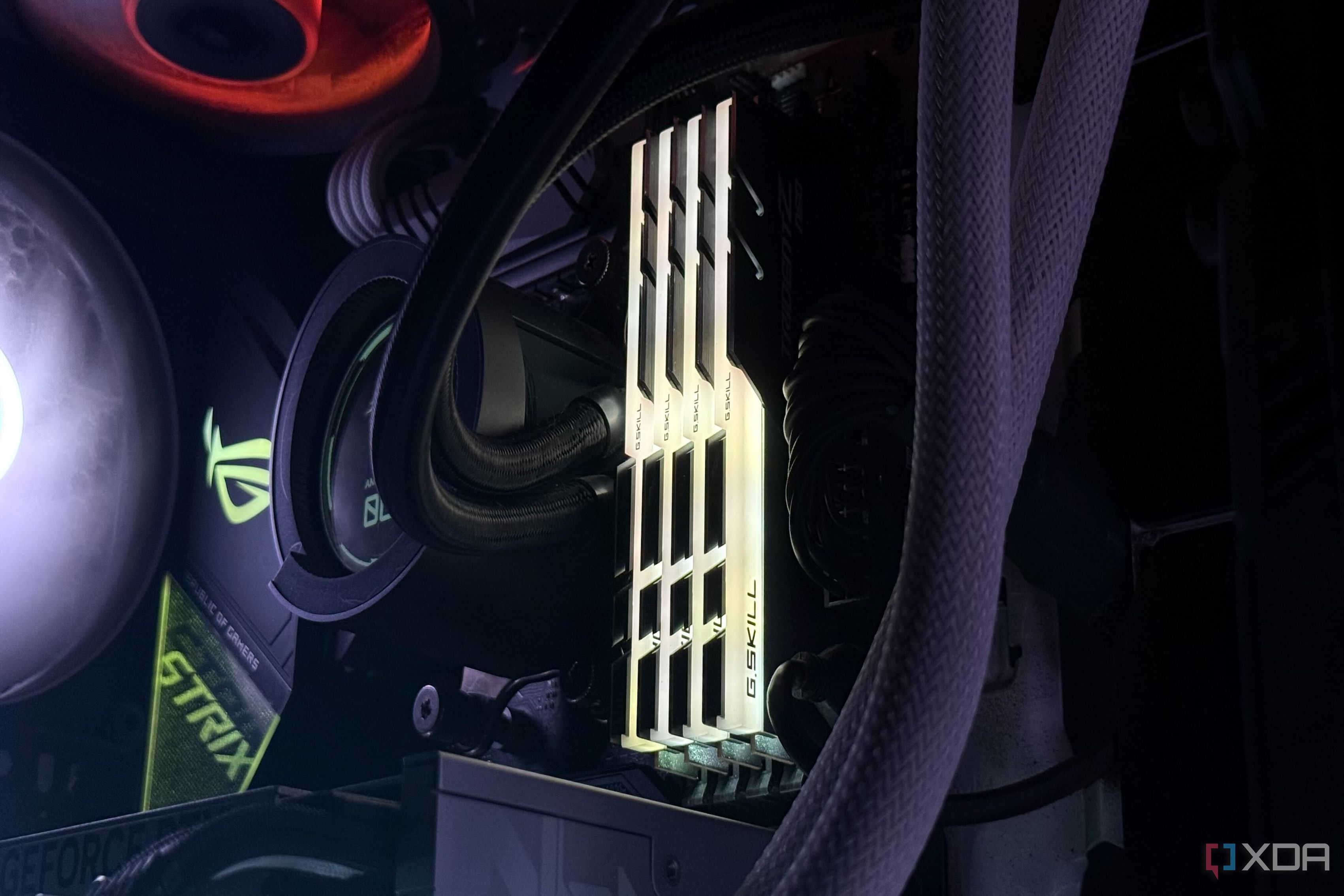
"This is a surprisingly common oversight that can cost 10–20% in gaming and productivity performance," said Dr. Karen Lee, a hardware performance analyst at TechBench Labs. "Most BIOS updates or hardware changes can reset XMP or EXPO profiles without warning."
The Discovery: A Simple Swap, Weeks of Slower Memory
A PC builder recently shared how upgrading from a Ryzen 9 5900X to a 5800X3D caused his RAM to drop from its rated 3600MHz to the default JEDEC speed of 2133MHz. He only noticed weeks later when running a benchmark. The builder had assumed his previous XMP configuration would persist, but the BIOS reset during the CPU installation.
"I always enable XMP after building, but I never check again after future changes," the user admitted. "I left 15% of my system's memory performance on the table for weeks."
Background: What Are XMP/EXPO and How Do They Work?
XMP (Intel) and EXPO (AMD) are memory overclocking profiles that allow RAM to run at its advertised speed, rather than the conservative JEDEC standard. These profiles are stored in the memory modules but must be enabled in the BIOS.
However, many motherboard BIOS versions reset these settings after any hardware change, BIOS update, or even clearing CMOS. The system then defaults to JEDEC speeds, which are often half of what the RAM can actually achieve.
What This Means: Performance Impact and How to Fix It
Running RAM at JEDEC speeds can significantly bottleneck CPUs, especially in memory-sensitive tasks like video editing, 3D rendering, and gaming at high frame rates. The performance gap widens with faster RAM kits — a 6000MHz kit running at 4800MHz loses up to 20% in synthetic benchmarks.

Experts recommend verifying XMP/EXPO status after every BIOS update, CPU swap, or motherboard change. Simply enter the BIOS and look for the memory frequency or XMP/EXPO toggle. Also check using software tools like CPU-Z or HWInfo.
"Think of it as a recommended hygiene step," said Michael Tran, lead technician at PC Builders United. "Just as you'd check that your CPU fan is spinning, you should confirm your RAM is running at the speed you paid for."
Prevention: Make It a Habit
To avoid falling into this trap, users should:
- Note your RAM's rated speed before building or upgrading.
- After any hardware swap, immediately boot into BIOS and re-enable XMP/EXPO.
- Use benchmarking tools to verify memory performance after the change.
Some motherboards offer a "Memory Try It!" feature that can auto-apply safe overclocks, but manual confirmation is still best. The process takes under a minute but can save weeks of lost performance.
For further details on enabling XMP, see our step-by-step guide.
Expert Advice: Don't Assume Settings Persist
"The moment you see a different CPU or motherboard model in the BIOS, assume XMP/EXPO is off," Dr. Lee added. "It's a simple setting, but one that has tripped up even seasoned builders."
As more users upgrade to new platforms like AM5 or LGA1700, awareness of this hidden performance drain is critical. With RAM speed directly impacting frame times and application responsiveness, checking this one setting could be the difference between a smooth experience and a sluggish one.